UX/UI Design | Case Study
Building a teacher resource website
Overview
Kiwrious is a science learning tool and platform for teachers and students. For my university capstone project, I investigated the teachers’ experience and built a resource website to meet needs expressed by teachers and the Kiwrious team.
How might we support teachers when they are preparing to incorporate Kiwrious sensors into their classrooms?
The Process:
Research & Analysis
- interviews
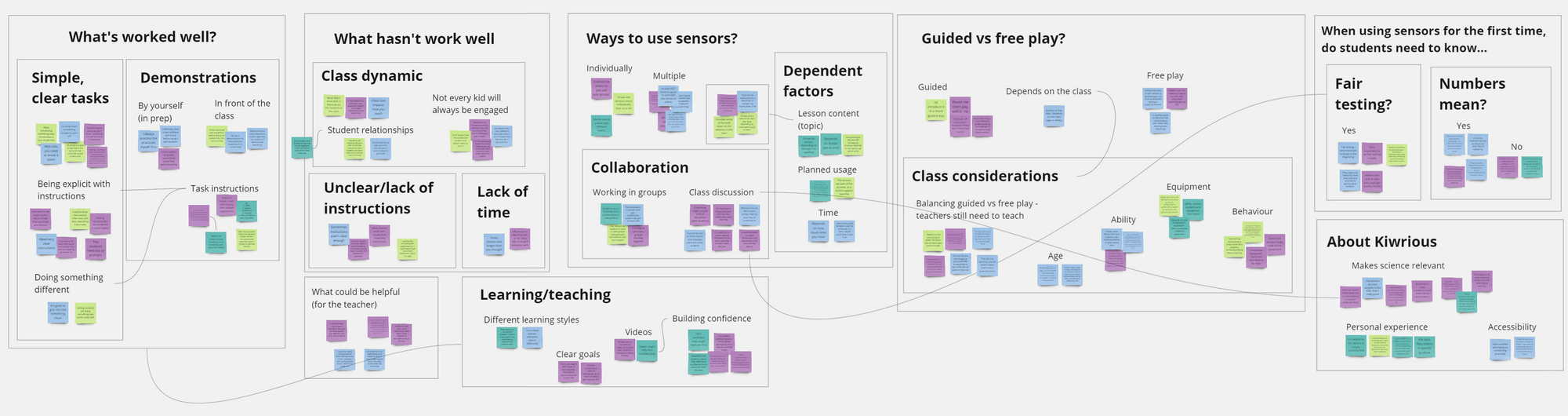
- affinity mapping
Define
- 'how might we...'
- proposed solution
Information Architecture
- card sorting
- site mapping
Design
Interviews (1): Defining the problem by talking to teachers
I interviewed four high school science teachers to ask about their experiences teaching inside the classroom, with a focus on how they might introduce new tools and materials to their students, such as during practical experiments.
Relevant findings:
- 1
Teachers are more likely to use one sensor during each lesson. Sensors are viewed as just one of several tools to support the concept they're teaching.
- 2
Most teachers prefer to have a guided approach to introducing the sensors, while others are more willing to let students explore first.
- 3
Teaching challenges often stem from factors outside of the teacher's control - such as class dynamics. However, one controllable factor may be unclear instructions, which are often linked to inadequate preparation with lesson materials.
Insights: What does this mean for Kiwrious?
- 1
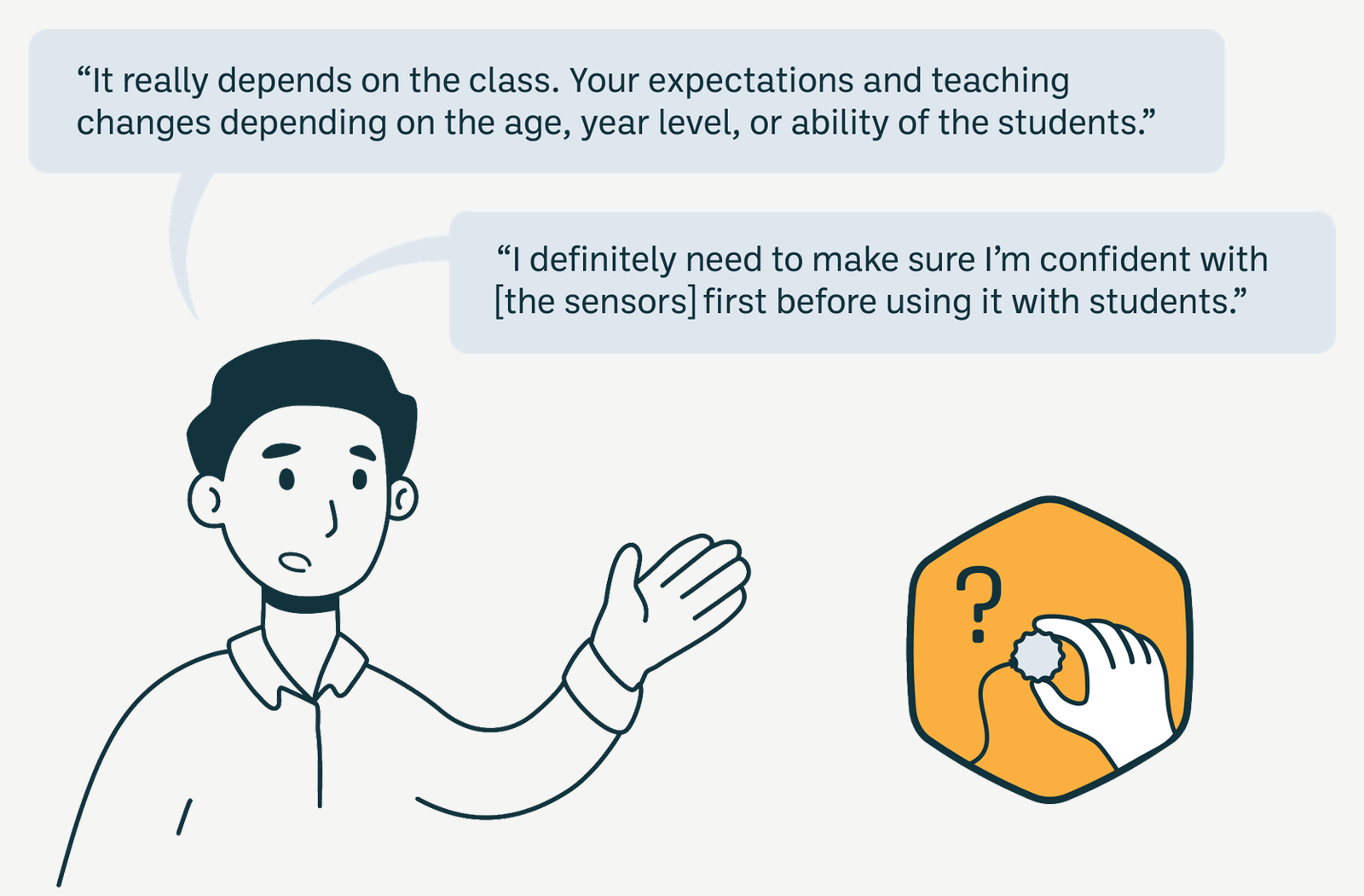
Teachers will need to be comfortable using the Kiwrious sensors and web platform before they use them in their classes, in order to successfully use them with their students.
See above findings 1,3
- 2
The way teachers implement the sensors in their classes should largely be left at the discretion and experience of the teacher - every class is so different and we should rely on the expertise of the teacher.
See above findings 1,2,3
The teacher's journey with Kiwrious can be categorised into four main stages, shown below. The insights from interviews suggest that the Class Preparation stage is the most important and easiest to target (Insight 1) and more controllable and predictable than teaching in-class (Insight 2).
The teacher's journey:
Registration
Onboarding
Class Preparation
First Lesson & Rest of the Term
Interviews (2): Refining my understanding of the problem
If the class preparation stage is the most effective stage to target, I needed to know more about what happens during this stage. I completed another set of interviews with 3 additional teachers, with a focus more on how they prepare for classes.
Relevant findings:
- 1
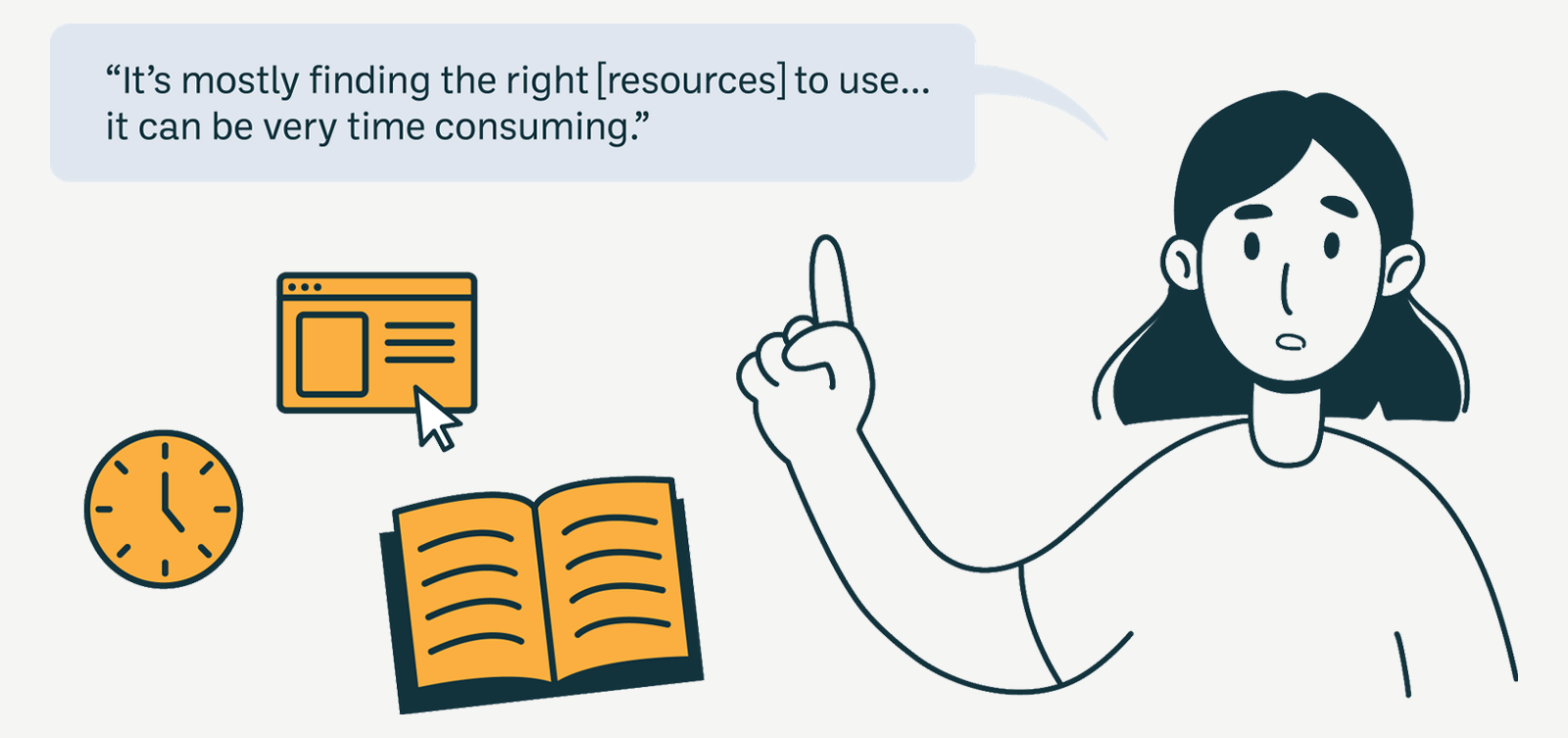
Resource compiling and creation takes a long time. Most of the time spent when planning is typically on creating resources.
- 2
All teachers looked online for most of their resources, but needed to then adapt what they’d find for their class.
- 3
All lessons are constructed with the NZ curriculum as a guide - other than that, teachers typically have full control over how they meet the required objectives in the curriculum.
Insights: What does this mean for Kiwrious?
- 1
Saving teachers time and energy in creating, looking up or adapting new resources will be valuable and useful to teachers.
See above findings 1,3
- 2
Providing one centralised place to go to for Kiwrious resources could help teachers find what they need more easily.
See above findings 1,2
- 3
Following the NZ context and curriculum for different year levels could be a practical way to organise resources for teachers.
See above findings 2,3
Proposed Solution: A Teacher Resource Site
Kiwrious already had example lesson plans, templates, workshops and other content to supplement use of the sensors. To bring all these together, I proposed to create a teacher resource site (see Insight 2).
Project scope: to build a working platform within a limited time frame of 3 weeks, I chose to use Google Sites to host the website. It would it allow easy integration of Google Docs / Drive, where some of these teacher resources were stored.
Information Architecture
Kiwrious had content to fill the site, but I had little understanding of how to structure it. So, I performed a card sorting exercise with five teachers and used that data to build a site map before building the site.
Card Sorting
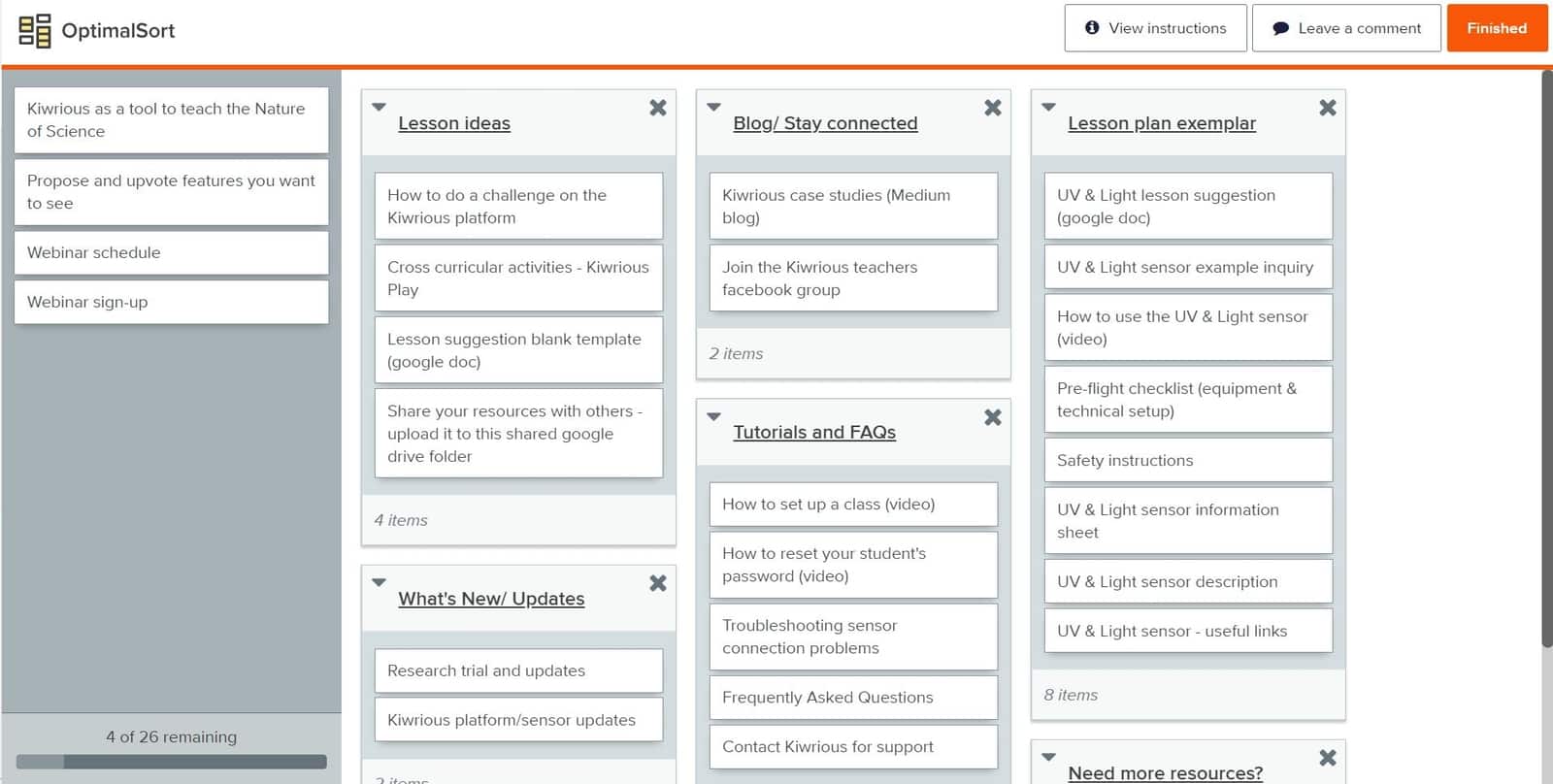
To create content for card sorting, I evaluated business (Kiwrious) needs against user (teacher) needs. Taking these, I then aligned them with current content that was available through Kiwrious.
Using OptimalWorkshop to conduct an open card sort, teachers were asked to sort these cards into categories that made sense to them, and then to name those categories.
Site Mapping
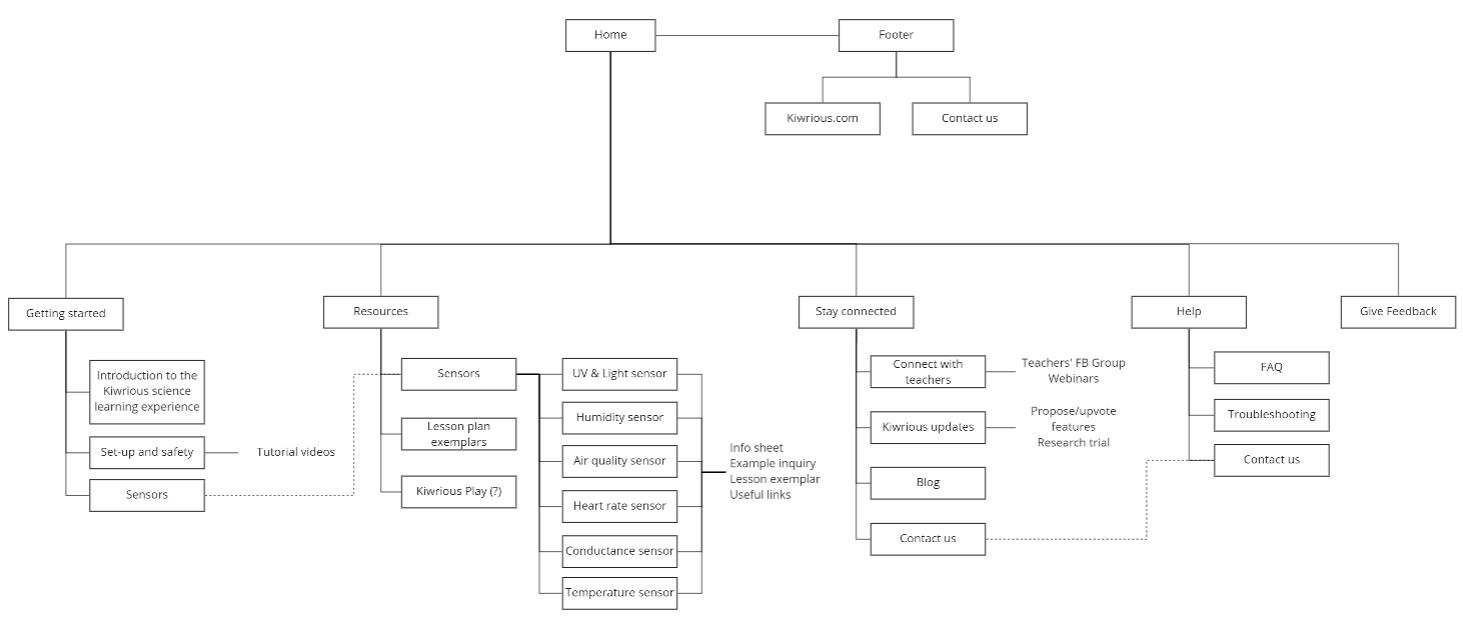
Using the results from the card sorting, background research from other similar educational websites, and findings and insights generated from both rounds of interviews, a site map was created.
Final Site
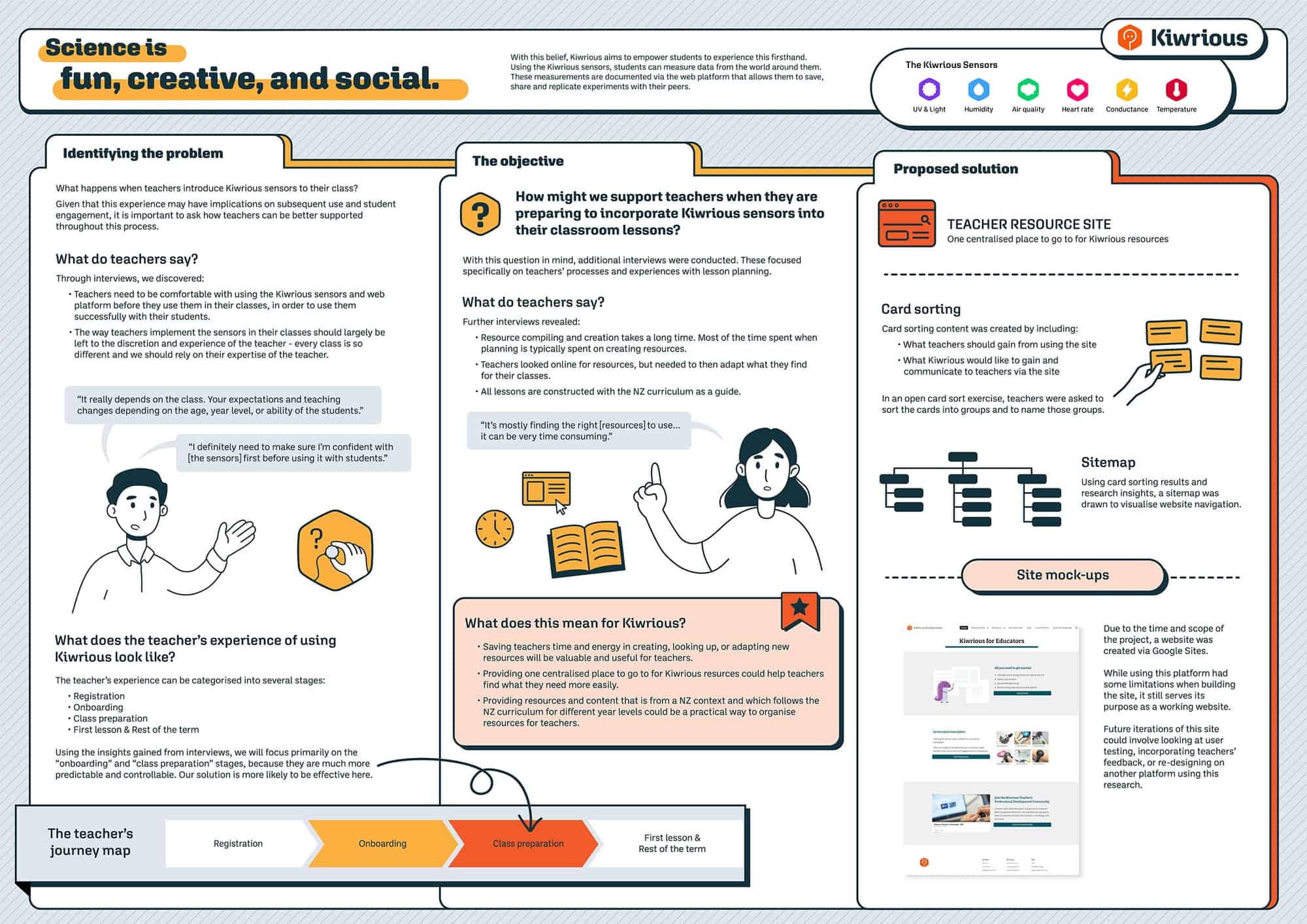
After discovering design limitations from using Google Sites and seeing the site visually, the final site condensed several pages from the original site map. Though this meant that the final site looks slightly different to the above site map, the overall organization of content remained largely the same. Most importantly, the site is fully functional and usable by teachers.
The completed website can be found at Kiwrious for Educators.

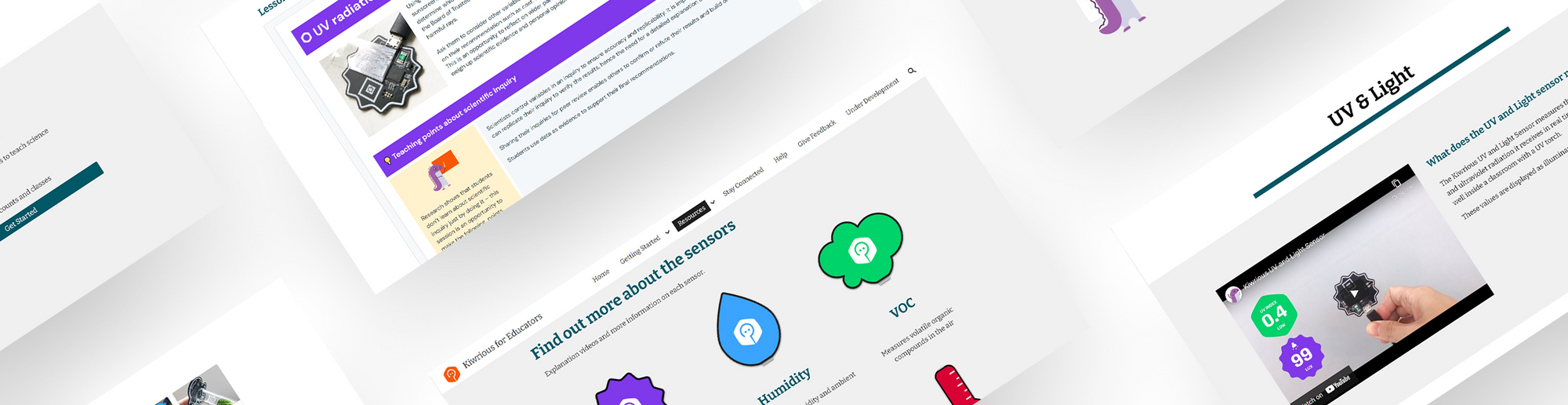
A poster overview of the project, as part of my Masters degree.